How to Use AdsCrawl: A Complete API Tutorial
Learn how to use AdsCrawl's browser automation API to capture screenshots, extract HTML/Markdown, and control remote CDP sessions. Step-by-step setup with code examples.
How to Use AdsCrawl: A Complete API Tutorial
AdsCrawl gives developers a unified API to control real cloud browsers for screenshots, data extraction, and interactive automation. Instead of managing your own headless Chrome fleet, you send a request and get back rendered content or a live DevTools session. This guide walks through account setup, your first API calls, fingerprint configuration, and practical patterns for reliable automation—everything you need to start using AdsCrawl in your own projects.
Prerequisites
How to Use AdsCrawl: A Complete API Tutorial - Prerequisites.
Before you write any code, make sure you have:
- An AdsCrawl account (free tier available, no credit card required)
- Your API key from the dashboard
- A tool for making HTTP requests (cURL, Python with
requests, or Node.js withfetch)
Sign up at the official site, verify your email, and grab the key under the API Keys section. You’ll pass it as a Bearer token in every call.
Step 1: Take Your First Screenshot
How to Use AdsCrawl: A Complete API Tutorial - Step 1: Take Your First Screenshot.
The screenshot endpoint renders a full page in a real browser and returns an image. It’s the fastest way to confirm your setup works.
Endpoint: POST https://api.adscrawl.net/v1/screenshot
Headers:
Authorization: Bearer YOUR_API_KEYContent-Type: application/json
Minimal cURL example:
curl -X POST https://api.adscrawl.net/v1/screenshot \
  -H "Authorization: Bearer YOUR_API_KEY" \
  -H "Content-Type: application/json" \
  -d '{"url": "https://example.com", "format": "png"}'
The JSON response contains a screenshot_url field with a temporary link to the PNG. If you prefer working with base64-encoded images directly, add "encoding": "base64" to the request body.
Python equivalent:
import requests

api_url = "https://api.adscrawl.net/v1/screenshot"
headers = {"Authorization": "Bearer YOUR_API_KEY"}
payload = {"url": "https://example.com", "format": "png"}

response = requests.post(api_url, json=payload, headers=headers)
print(response.json()["screenshot_url"])
This single call replaces the need to launch Puppeteer locally, manage Chrome versions, or worry about memory leaks. For teams running large-scale visual monitoring, this pattern keeps infrastructure simple.
Step 2: Extract HTML and Markdown
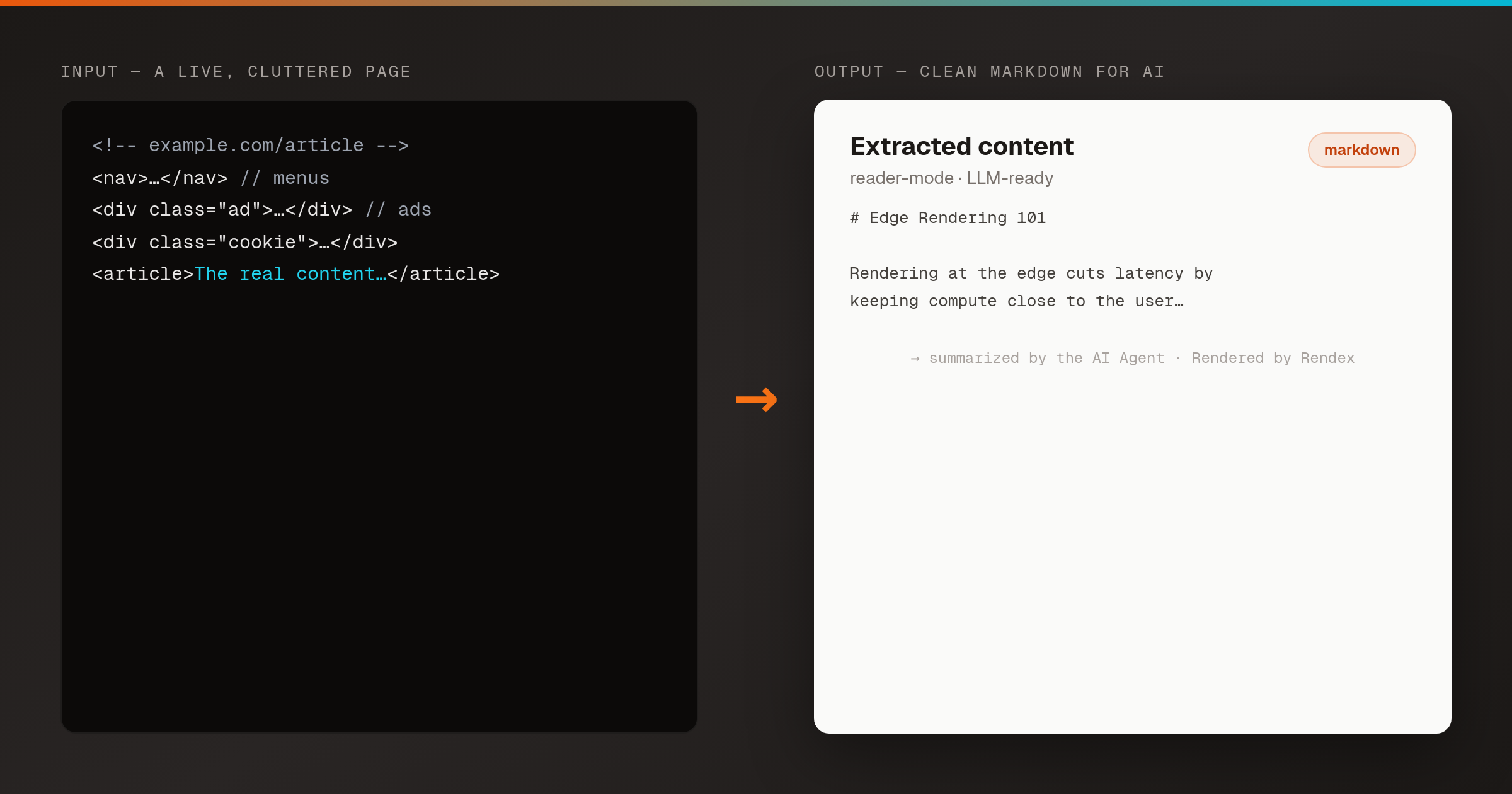
How to Use AdsCrawl: A Complete API Tutorial - Step 2: Extract HTML and Markdown.
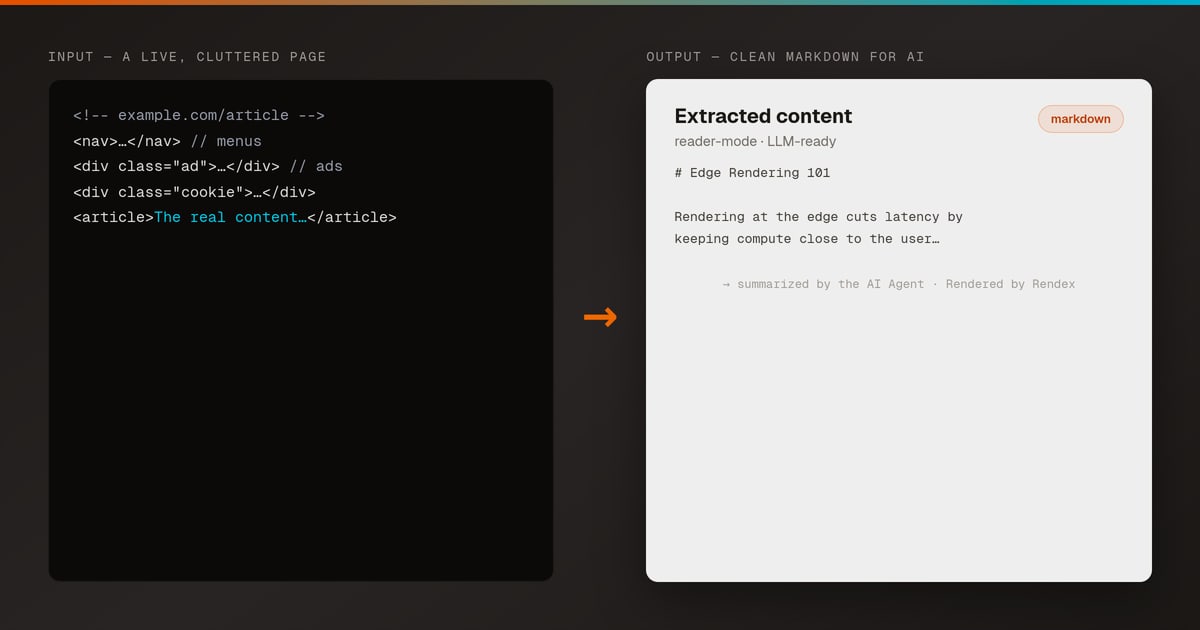
For data pipelines and AI enrichment, you often need clean content rather than a screenshot. The /scrape endpoint returns the page source in the format you choose.
Endpoint: POST https://api.adscrawl.net/v1/scrape
Example request for Markdown:
{
  "url": "https://example.com",
  "output_type": "markdown"
}
The response delivers a content field with the parsed Markdown, plus the HTTP status code. You can also set output_type to "html" for the full DOM or "text" for plain text.
This is especially useful when you’re feeding web data into large language models. If you’re building an AI agent that needs to read and summarize pages, combining this extraction with a model like ChatGPT creates a powerful pipeline. See our guide on How to Use AdsCrawl with ChatGPT for AI-Powered Web Data for a complete walkthrough.
Step 3: Control a Live Browser with Remote CDP
When a page requires interaction—logging in, clicking “Load More,” scrolling—you need more than a static snapshot. AdsCrawl lets you open a remote Chrome DevTools Protocol (CDP) session and send commands directly.
Endpoint: POST https://api.adscrawl.net/v1/browser
This returns a WebSocket URL (ws://...). Connect with any CDP-compatible client (Puppeteer, Playwright, or raw WebSocket libraries) and control the browser as if it were local.
Minimal Python example using websocket-client:
import requests
import websocket

api_url = "https://api.adscrawl.net/v1/browser"
headers = {"Authorization": "Bearer YOUR_API_KEY"}
resp = requests.post(api_url, headers=headers, json={"url": "https://example.com"})
ws_url = resp.json()["ws_endpoint"]

ws = websocket.WebSocket()
ws.connect(ws_url)
# Navigate to a new page
ws.send('{"id":1,"method":"Page.navigate","params":{"url":"https://example.com"}}')
# Read responses as needed
Remote CDP sessions are ideal for complex flows: authenticate once, reuse cookies, and extract data behind login walls. AdsCrawl manages the browser lifecycle, so you focus on the automation logic.
Step 4: Configure Fingerprint Profiles
Modern websites fingerprint visitors to detect bots. AdsCrawl integrates anti-detect technology that lets you define realistic browser profiles—user agent, timezone, WebGL vendor, screen resolution, and more.
Add a fingerprint_profile object to your screenshot or CDP request:
{
  "url": "https://example.com",
  "fingerprint_profile": {
    "user_agent": "Mozilla/5.0 (Windows NT 10.0; Win64; x64) AppleWebKit/537.36 (KHTML, like Gecko) Chrome/125.0.0.0 Safari/537.36",
    "timezone": "America/New_York",
    "webgl_vendor": "Google Inc. (Intel)"
  }
}
You can store pre-configured profiles in your AdsPower account and reference them by ID. Rotating fingerprints across sessions reduces pattern detection when scraping the same site at scale. For a deeper comparison of how AdsCrawl’s anti-detection stacks up against alternatives, read AdsCrawl vs Scrapfly vs Browserless: API Showdown 2026.
Step 5: Manage Concurrency and Rate Limits
AdsCrawl supports multiple parallel browser sessions. Your plan determines the maximum concurrency—the free tier gives you room to experiment, while paid plans unlock higher throughput for production workloads.
When scaling up:
- Watch for HTTP 429 responses and implement exponential backoff.
- Reuse cookies from CDP sessions to avoid repeated logins.
- Use the
/healthendpoint to check API availability before launching large jobs.
Costs scale with session minutes and concurrency, not per-request fees. This makes budgeting predictable: measure your usage on the free tier, then project costs against plan limits. For a full breakdown, see the AdsCrawl pricing guide.
Common Workflows and Best Practices
Visual Regression Monitoring
Schedule screenshot requests for key pages, compare images over time, and alert on unexpected changes. Because AdsCrawl uses real browsers, you catch rendering issues that headless-only tools miss.
SEO Audit Pipelines
Extract HTML or Markdown from competitor pages, analyze heading structures, and track meta tag changes. Pair with a scheduler to build a recurring audit system without maintaining browser servers.
AI Data Collection
Feed clean Markdown to LLMs for summarization, classification, or question-answering. The combination of real-browser rendering and structured output makes AdsCrawl a reliable data source for AI applications.
Error Handling Template
import time
import requests

def robust_scrape(url, headers, max_retries=3):
    for attempt in range(max_retries):
        resp = requests.post(
            "https://api.adscrawl.net/v1/scrape",
            json={"url": url, "output_type": "markdown"},
            headers=headers
        )
        if resp.status_code == 200:
            return resp.json()
        elif resp.status_code == 429:
            time.sleep(2 ** attempt)
        else:
            raise Exception(f"Request failed: {resp.status_code}")
    raise Exception("Max retries exceeded")
Related reading
- ScrapingBee Review 2026: API Features, Pricing & Real Tests - Evidence-based ScrapingBee review covering API setup, AI extraction, proxy rotation, pricing, and independent speed tests. See if it fits your scraping workflow.
- Scrapfly API Setup: Web Scraping, Cloud Browser & Screenshots - Learn to set up Scrapfly's web scraping, cloud browser, and screenshot APIs. Step-by-step configuration, code examples, and a comparison with AdsCrawl's real browser infrastructure.
Sources and further reading
- Google Ads EASY Tutorial (2026) - How to use Google Ads - Enjoy the videos and music you love, upload original content, and share it all with friends, family, and the world on YouTube.
- AdsCrawl Tutorial: Screenshots, HTML Extraction & Remote CDP - Step-by-step AdsCrawl tutorial: capture screenshots, extract HTML/Markdown, and control remote CDP sessions for web scraping and automation.
Frequently Asked Questions
What is AdsCrawl?
AdsCrawl is a browser automation and data extraction API that runs real cloud browser sessions. It captures screenshots, extracts structured content (HTML, Markdown, text), and provides full remote CDP control, all integrated with anti-detect fingerprint technology.
Is there a free tier?
Yes. The free tier includes a limited number of sessions per month—no credit card required. It’s designed for testing, proof-of-concept work, and small projects.
Can AdsCrawl handle websites that require login?
Absolutely. Launch a remote CDP session, navigate to the login page, fill in credentials, and solve CAPTCHAs if needed. Once authenticated, reuse session cookies for subsequent requests.
What fingerprint configurations are supported?
You can customize user agent, timezone, WebGL parameters, screen resolution, language, and many other browser attributes. Pre-built profiles from AdsPower can be referenced directly in API calls.
Do I pay for failed sessions?
Generally, only active session time is billed. Sessions that terminate abnormally are not fully charged. Check the official documentation for the latest policy.
Conclusion
AdsCrawl turns browser automation into a simple API call. You learned how to capture screenshots, extract clean content, launch interactive CDP sessions, and configure fingerprints that keep your automation undetected. Whether you’re building a price tracker, an SEO audit tool, or an AI data pipeline, the platform handles browser infrastructure so you can focus on your application logic.
For a head-to-head comparison with other tools, see AdsCrawl vs Browserless: Which Browser API Wins in 2026?. If you’re evaluating no-code alternatives, our axiom.ai review covers a different approach to browser automation.
Start with the free tier, run your first screenshot, and scale when you’re ready.